Paused
Block distracting apps on a schedule or in one tap, using Apple’s Screen Time controls.
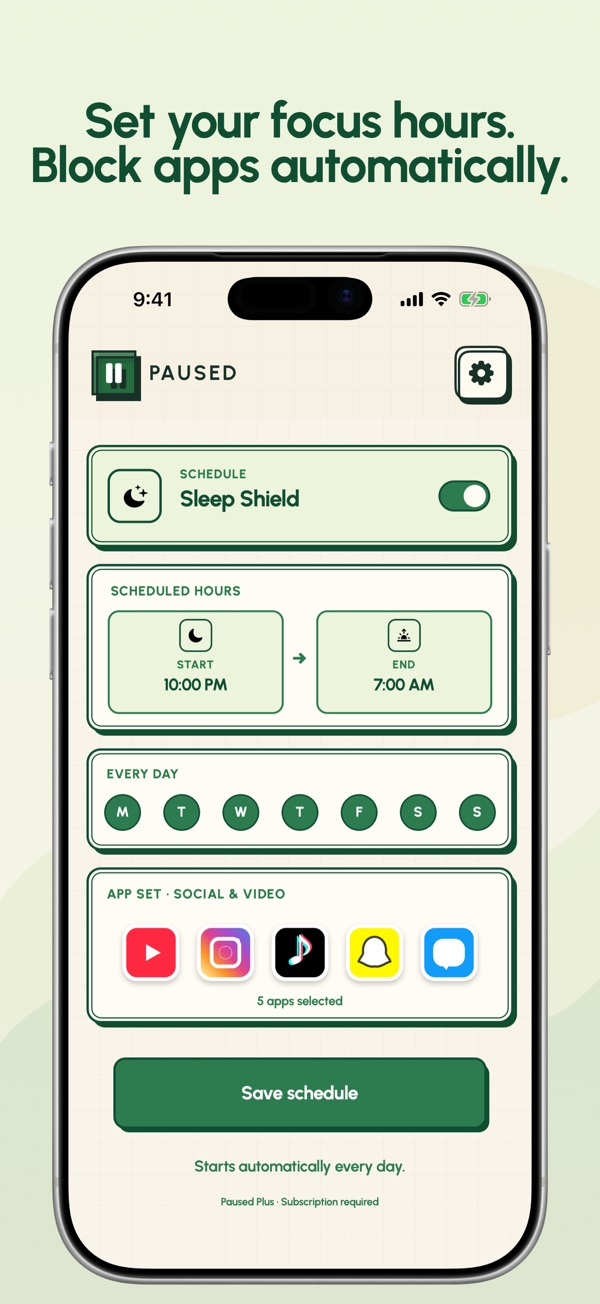
Paused blocks the apps that eat your day: on a schedule, like 10pm to 7am, or the moment you start a Focus session. It runs on Apple’s Screen Time framework, so it turns apps off without ever seeing what you do inside them. More at paused.app.
How it works
How Paused works
Three steps, no learning curve.
Pick what steals your time
Choose the apps that suck you in. Everything else stays untouched.
Set a schedule or hit Focus
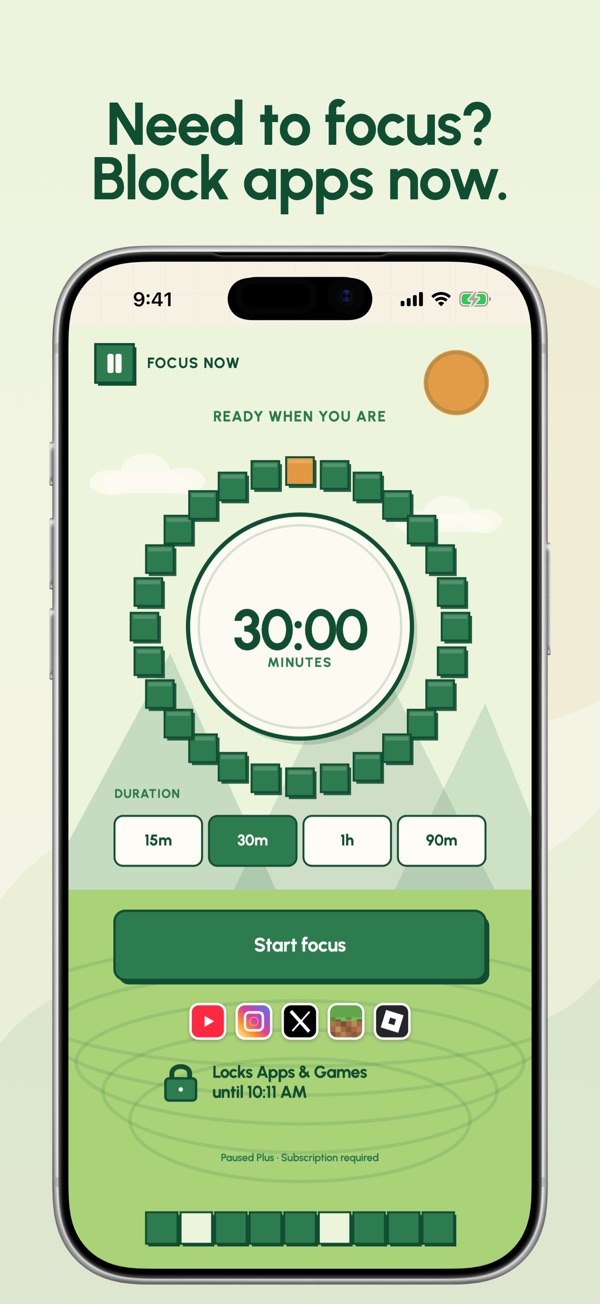
Block Schedules turn those apps off automatically at bedtime or work hours. Or tap Focus for 15, 30, 60 or 90 minutes of quiet right now.
Build a streak
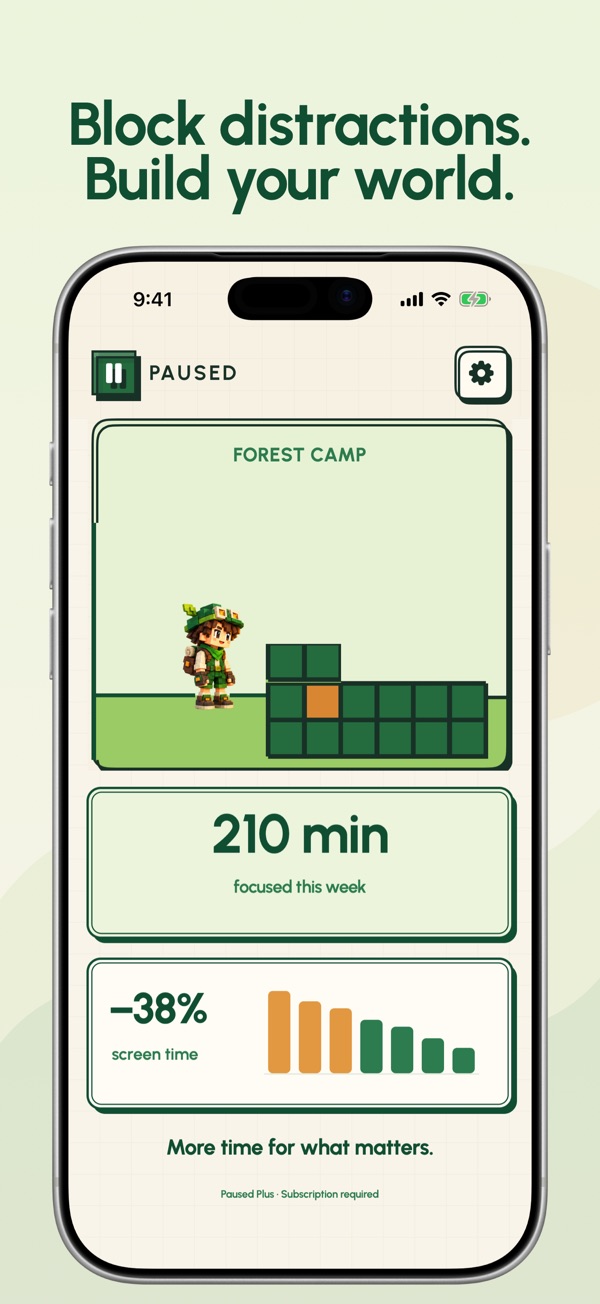
Every paused day stacks your streak, and the time you’d have scrolled turns back into evenings, sleep and actual life.
Features
Why you’ll love it
Block Schedules turn the apps you pick off at bedtime or work hours, and back on after
One-tap Focus sessions of 15, 30, 60 or 90 minutes
Pick exactly which apps to block: TikTok, Instagram, YouTube, games, anything
Streaks that make keeping the scroll paused feel like a win
Built on Apple’s Screen Time framework: it can’t read your messages, browsing or what you do in apps
Frequently asked questions
Can I block apps at certain times of day?
What are Focus sessions?
How is Paused different from Apple’s Screen Time?
Is Paused private? What can it see?
How much does Paused cost?
Where can I learn more?
Need help?
Have questions about Paused? Contact us at support@worthatry.co